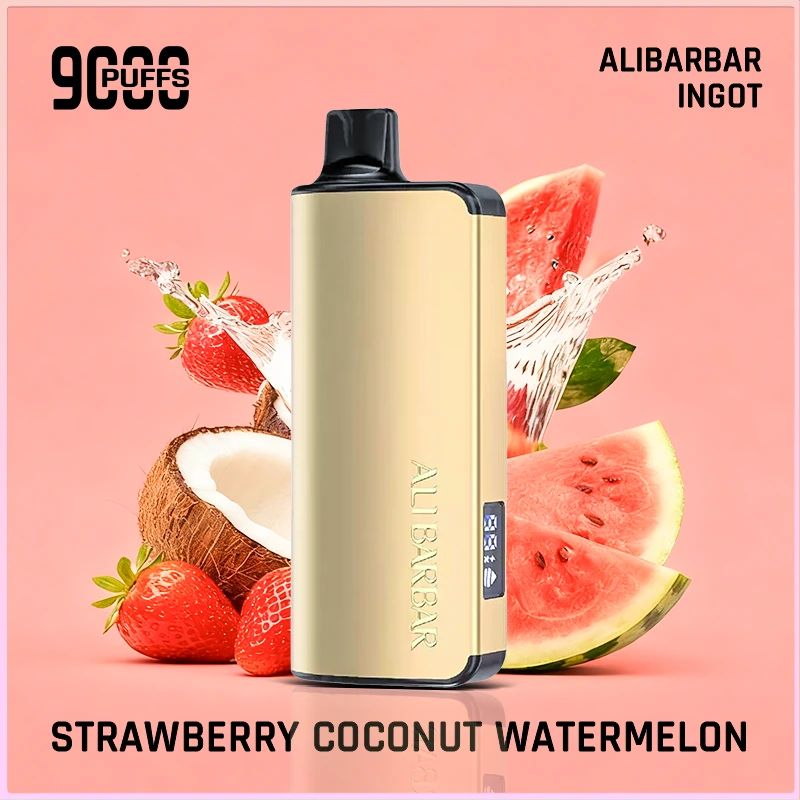
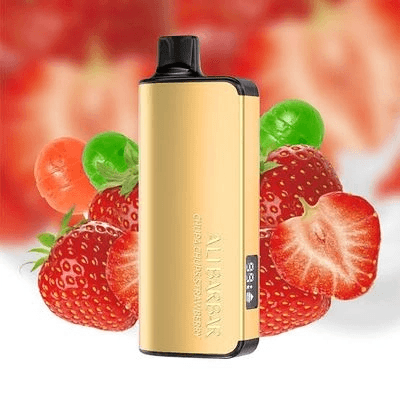
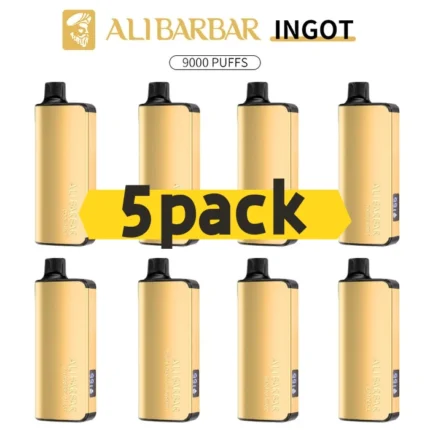
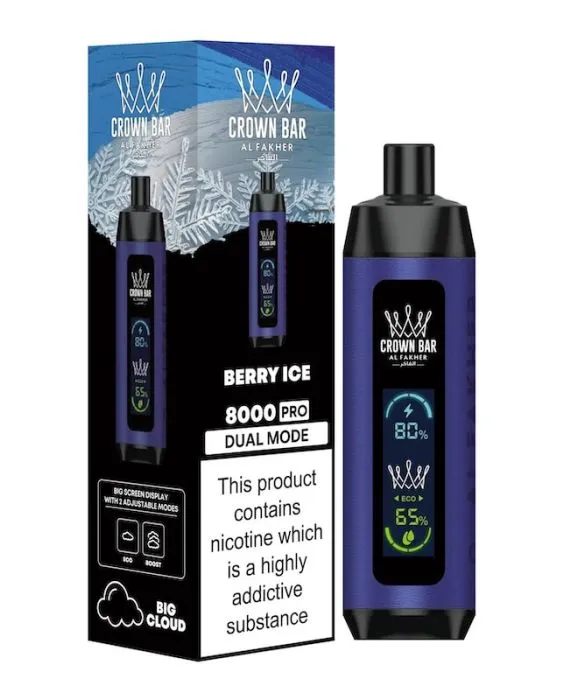
Quick answer: You can recharge an Alibarbar vape only if that exact model has a charging port and is sold as rechargeable. Alibarbar Upload and Ice Adjust are commonly rechargeable Type-C models. Alibarbar Ingot 9000 and Pandora 7000 are generally sold as non-rechargeable disposables, so they should not be force-charged.
If your Alibarbar has no visible charging port, do not open it, wire it, or try to charge it without a charger. Replace it or choose a rechargeable Alibarbar model instead.
This guide explains how to recharge Alibarbar vape models safely, how to tell whether your device is rechargeable, and what to do if an Alibarbar vape is not charging. It is written for Australian buyers comparing Alibarbar Ingot, TEQ, Upload, Ice Adjust, and Pandora models.
For current stock, dispatch options, and pack sizes, start from the main Alibarbar vape Australia category. If you already know you want a rechargeable model, compare Alibarbar Upload and Alibarbar Ice Adjust.
Can You Recharge an Alibarbar Vape?
Some Alibarbar vapes are rechargeable, but not every Alibarbar device should be charged. The safest rule is simple: charge only models with a visible charging port and a product listing or package that says rechargeable.
A rechargeable Alibarbar usually has a USB-C charging port, a battery indicator, and product copy that mentions rechargeable battery or Type-C charging. A non-rechargeable Alibarbar is designed to be used until the battery or e-liquid is finished, then replaced. Trying to recharge a sealed non-rechargeable disposable can damage the device and create battery safety risk.
Safety note: Do not charge an Alibarbar vape with exposed wires, damaged cables, laptop fast chargers, or improvised methods. Do not charge a hot, leaking, swollen, wet, or physically damaged device.
Which Alibarbar Models Are Rechargeable?
Use this table before charging. Model names can vary by market and supplier, so always check the exact product page and packaging before plugging in the device.
| Alibarbar model |
Recharge status |
What to check |
Where to compare |
| Alibarbar Upload 25000 |
Rechargeable Type-C model. |
Look for the USB-C port, battery display, and product listing that says rechargeable. |
Shop Alibarbar Upload |
| Alibarbar Ice Adjust |
Rechargeable Type-C model. |
Check the Type-C port, LCD display, and product details before charging. |
Shop Alibarbar Ice Adjust |
| Alibarbar Ingot 9000 |
Generally non-rechargeable. |
If there is no official charging port or rechargeable listing, do not try to recharge it. |
View Alibarbar Ingot 9000 |
| Alibarbar Pandora 7000 |
Generally non-rechargeable. |
Designed as a true disposable with no routine charging step. |
View Alibarbar Pandora |
| Alibarbar TEQ 12000 |
Check the exact product first. |
Public listings are inconsistent, so only charge it if your device has a charging port and the product page or packaging confirms rechargeability. |
View Alibarbar TEQ 12000 |
How to Charge an Alibarbar Vape Safely
If your device is a rechargeable Alibarbar model, follow these steps. The goal is not to charge as fast as possible; the goal is stable, low-risk charging that protects the battery and the device.
- Confirm the model is rechargeable. Look for a USB-C port and check the product page or packaging.
- Use a clean, undamaged USB-C cable. Do not use frayed cables, loose connectors, or improvised wiring.
- Use a low-power source. A standard USB port or basic 5V adapter is safer than a high-wattage fast charger.
- Keep the device upright and dry. Wipe the port gently if there is dust or pocket lint.
- Watch the indicator. Many rechargeable models show battery status on a screen or LED indicator.
- Unplug when charged. Do not leave the device charging overnight or unattended.
How Long Does an Alibarbar Take to Charge?
Charging time depends on the model, battery size, and remaining battery level. As a practical rule, expect a rechargeable Alibarbar to take roughly 45 to 90 minutes with a standard low-power charger. Larger devices may take longer than smaller ones.
If the device becomes hot, smells unusual, leaks, or the charging light behaves strangely, unplug it and stop using it. A vape that is empty, damaged, or non-rechargeable should be replaced rather than repeatedly charged.
Alibarbar Vape Not Charging: Troubleshooting Checklist
If your Alibarbar vape is not charging, work through the simple checks before assuming the device is faulty.
Check the model
If it is Ingot 9000 or Pandora 7000, it may not be rechargeable. Do not force-charge it.
Check the cable
Try a known working USB-C cable. Many charging problems are cable or connector issues.
Check the port
Dust, pocket lint, or residue can block the charging contact. Wipe gently with a dry cloth.
Check the power source
Use a standard USB port or low-output wall adapter rather than a fast charger.
Check for empty e-liquid
If the device tastes burnt or produces weak vapour even after charging, the e-liquid may be finished.
Check for damage
If the device is hot, swollen, cracked, wet, or leaking, stop using it and replace it.
Can You Charge Alibarbar Without a Charger?
No. Do not try to charge an Alibarbar vape without a proper cable and power source. Searches like “how to charge Alibarbar vape without charger” or “how to recharge an Alibarbar vape with wires” are common, but those methods are unsafe and should not be followed.
If you have lost the cable, use a compatible, undamaged USB-C cable only if the device is confirmed rechargeable. If the device has no charging port, it is not designed for user charging.
Can You Wireless Charge an Alibarbar Vape?
Do not assume an Alibarbar supports wireless charging. Most disposable vape batteries do not have the hardware needed for safe Qi-style wireless charging. If your exact model does not clearly advertise wireless charging, use the listed charging method or do not charge the device.
When to Stop Using or Replace the Device
A rechargeable disposable still has a limited life. Charging only restores the battery; it does not refill e-liquid or repair a worn coil. Replace the device if you notice burnt taste, no vapour after charging, leaking, physical damage, swelling, or repeated charging failure.
For Australian nicotine vaping rules and safety information, check the official TGA electronic cigarettes information.
Where to Buy Rechargeable Alibarbar Vapes in Australia
Cloud Vape Club organises Alibarbar models by series so you can compare rechargeable and non-rechargeable options before buying. Check the product page for the exact model, flavour, pack size, and dispatch option.
Alibarbar Charging FAQ
How do you recharge an Alibarbar vape?
First confirm the device is rechargeable and has a charging port. Then use a clean USB-C cable and a low-power USB source. Do not use exposed wires, damaged cables, or high-wattage fast chargers.
Can you recharge Alibarbar Ingot 9000?
Alibarbar Ingot 9000 is generally sold as a non-rechargeable disposable. If your device has no official charging port and no rechargeable product listing, do not try to recharge it.
Can you recharge Alibarbar Upload?
Yes. Alibarbar Upload is commonly sold as a rechargeable model with USB-C charging. Check the product page and packaging before use, then charge with a standard low-power USB source.
Why is my Alibarbar vape not charging?
The most common reasons are a non-rechargeable model, a damaged cable, dust in the charging port, an unsuitable power source, an empty device, or a damaged battery. Stop using the vape if it gets hot, leaks, swells, or smells unusual.
Can you charge an Alibarbar vape without a charger?
No. Do not use wires or improvised charging methods. If the device is rechargeable, use a compatible USB-C cable. If it is not rechargeable, replace it.
Is it safe to leave an Alibarbar charging overnight?
No. Do not leave any disposable vape charging overnight or unattended. Unplug it when charged and stop charging if the device becomes hot or behaves abnormally.